Powered by AI
File Converter
Import from any source — even unsupported ones. Upload any CSV or Excel file from an exchange, wallet, blockchain explorer, another service or your own spreadsheet, and AI turns it into a ready-to-import CoinTracking file.
- Any source — an exchange, wallet, explorer or your own file.
- AI detects the columns — no manual mapping, no templates.
- Messy file → ready to import in seconds.
Included with the Expert & Unlimited plans
 File Converter
 Built for the files no importer supports
If you can export it to a spreadsheet, the File Converter can turn it into a CoinTracking import — no matter where it came from.
Unsupported exchanges
Trading on a platform CoinTracking has no direct import for? Export its CSV and the converter maps it for you.
Wallet & explorer exports
A CSV from a wallet app or a blockchain explorer? Drop it in — the AI recognises the columns and converts it.
Your own spreadsheet
Kept your trade log in Excel or Google Sheets? The AI reads your layout and turns it into a valid import file.
Discontinued platforms
Moving off a service that shut down or changed formats? Convert its last export instead of re-typing everything.
Non-standard formats
Odd headers, extra columns, unusual date formats? The AI works out what each column means so you don't have to.
No manual mapping
Skip column-matching entirely. Upload the file, let the AI detect the structure, and import in seconds.

Turn any file into a CoinTracking import
Upload your first export and let the AI handle the column mapping for you.
AI-assisted · Included with the Expert & Unlimited plans
How it works
From a raw export to a clean CoinTracking import in four steps.
Most files are ready in under a minute.
Upload your file
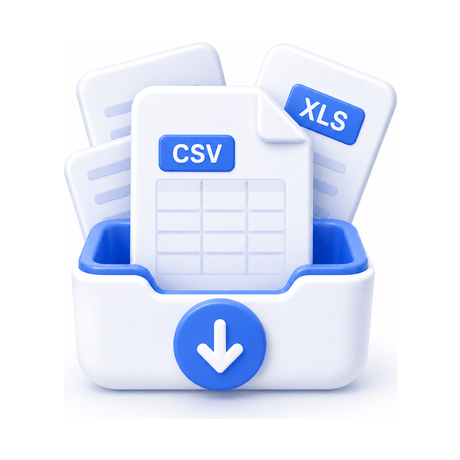
Drag in any CSV or Excel export — from an exchange, wallet, explorer, another service or your own spreadsheet.
AI detects the columns

The AI reads your file and works out which column is the date, the asset, the amount and the type — no manual mapping.
Review the conversion
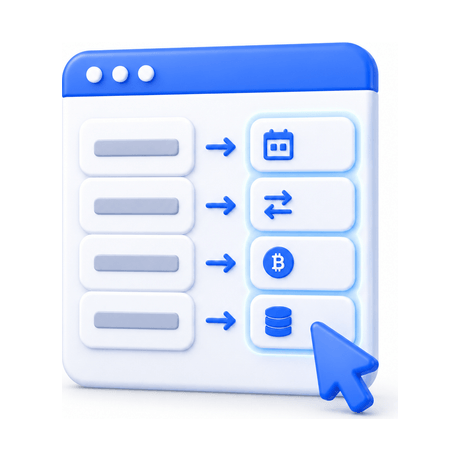
See how your columns were mapped to CoinTracking fields and confirm everything looks right before importing.
Import & track

Add the ready-to-import file to your account and see it flow into your portfolio, gains and tax reports.
Why the File Converter
Get your history into CoinTracking even when there is no direct import — without hours of manual spreadsheet work.
Works with any file
Exchange, wallet, explorer or your own spreadsheet — if it exports to CSV or Excel, the converter can handle it.
AI column detection
The AI recognises dates, assets, amounts and transaction types automatically, so you never map columns by hand.
Ready in seconds
A messy export becomes a clean, ready-to-import CoinTracking file in seconds instead of an afternoon of cleanup.
Import-ready output
The result is a validated CoinTracking file — mapped to the right fields and ready to add to your account.
Reuse it any time
A new export from the same source? Run it through again — no rebuilding a template every time.
Your data stays private
Conversion happens within your CoinTracking workflow; your files are not shared with third parties.
About AI-assisted conversion
The File Converter uses AI to interpret your files. AI output can be incomplete or inaccurate — always review the mapped result before importing. It is not a substitute for professional tax or accounting advice.
It is a CoinTracking tool that turns any CSV or Excel file — from an exchange, wallet, blockchain explorer, another service or your own spreadsheet — into a ready-to-import CoinTracking file. The AI detects what each column means, so you do not have to map anything manually.
Any CSV or Excel file. It does not matter whether CoinTracking has a direct import for the source — if you can export the data to a spreadsheet, the converter can work with it.
No. That is exactly what the File Converter removes — it detects which column is the date, the asset, the amount and the transaction type for you. You just review the result before importing.
The File Converter is included with the Expert and Unlimited plans. You can compare plans on the pricing page.
It is AI-assisted, so results can occasionally be incomplete or need a small correction — especially for very unusual formats. Always review the mapped output before importing. It is not a substitute for professional advice.
You get a CoinTracking-ready file to import into your account. From there your transactions flow into your portfolio, gains and tax reports like any other import.
